

Introducing the Affinity Club App for Android
We’ve got some exciting news to share. The Affinity Club app is now available on Android, and it makes being part of the club easier than ever. iPhone users, don’t worry, your version is on its way and will be landing in the App Store in the next few weeks.
Since day one, Affinity has been about meaningful connections, curated events and real people. As the club has grown across Nottingham, so has the calendar, with Vinyl & Vino nights, board game evenings, restaurant dinners, craft beer crawls, theatre trips, walks and parties all filling up fast. We wanted to give you a quicker, simpler way to keep up with it all, so we built an app just for you.
Everything You Love About Affinity, Now in One Place
The app has been designed around how you actually use the club. No clutter, no fuss, just the things that matter.
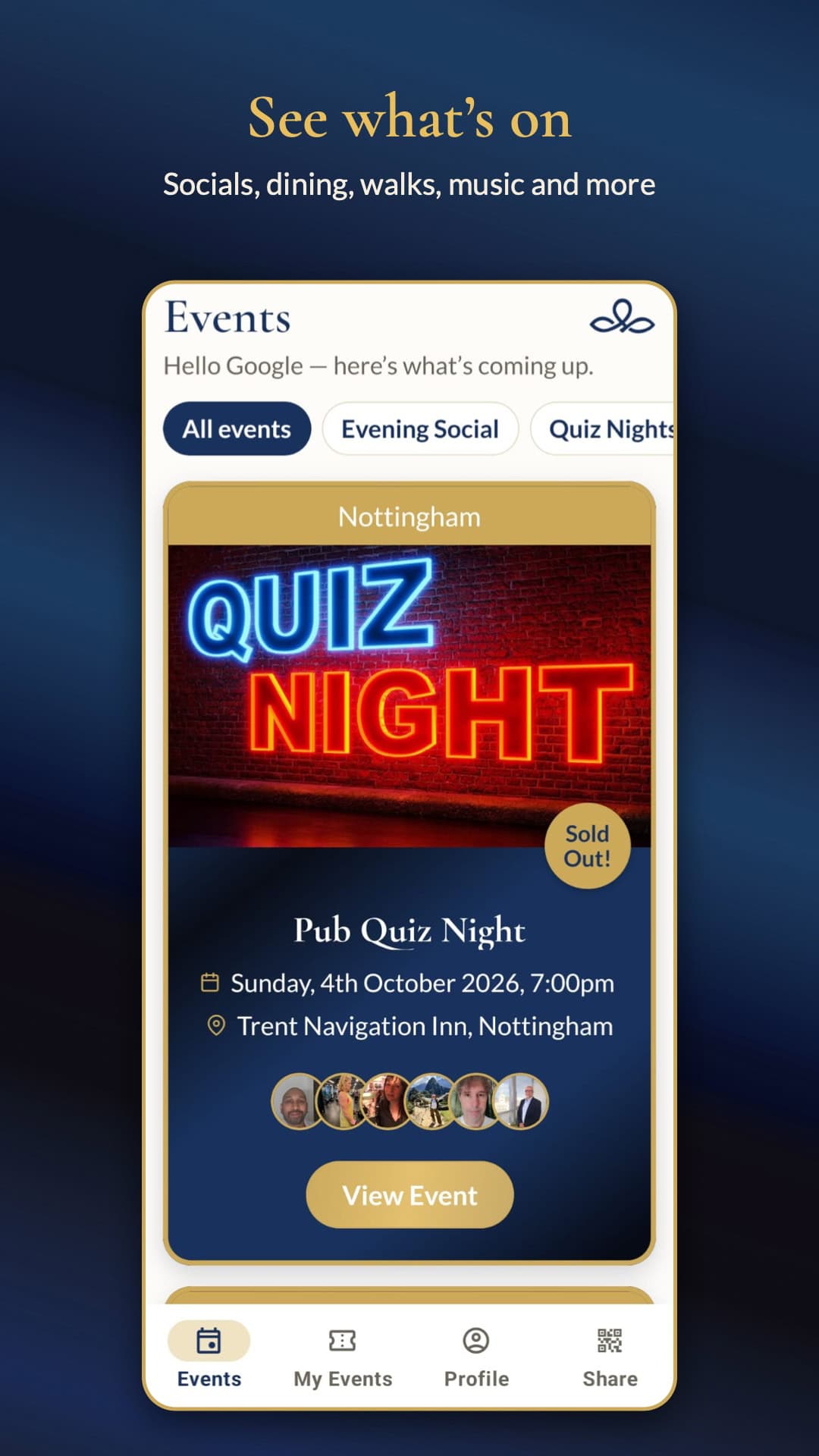
Browse Upcoming Events
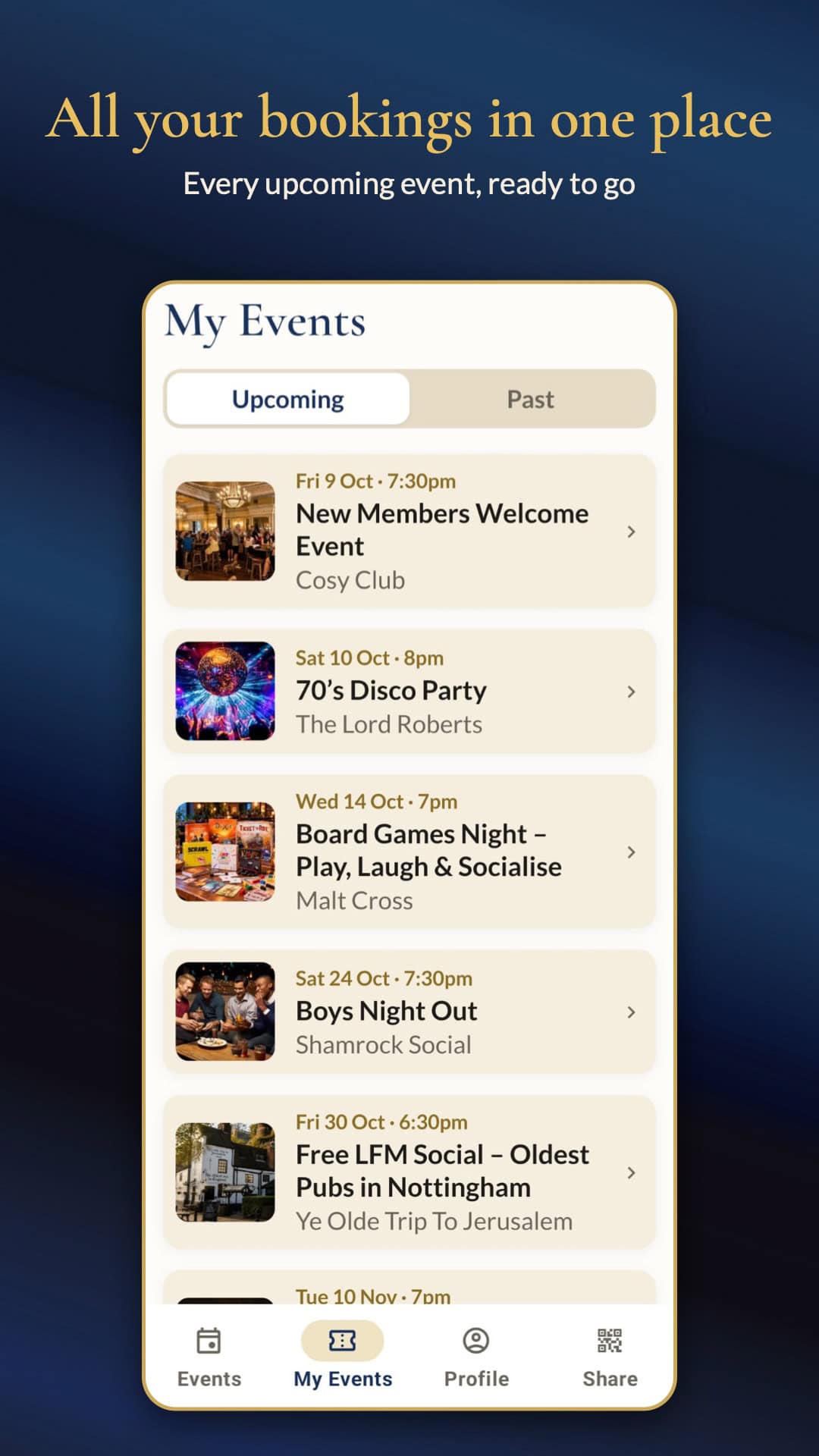
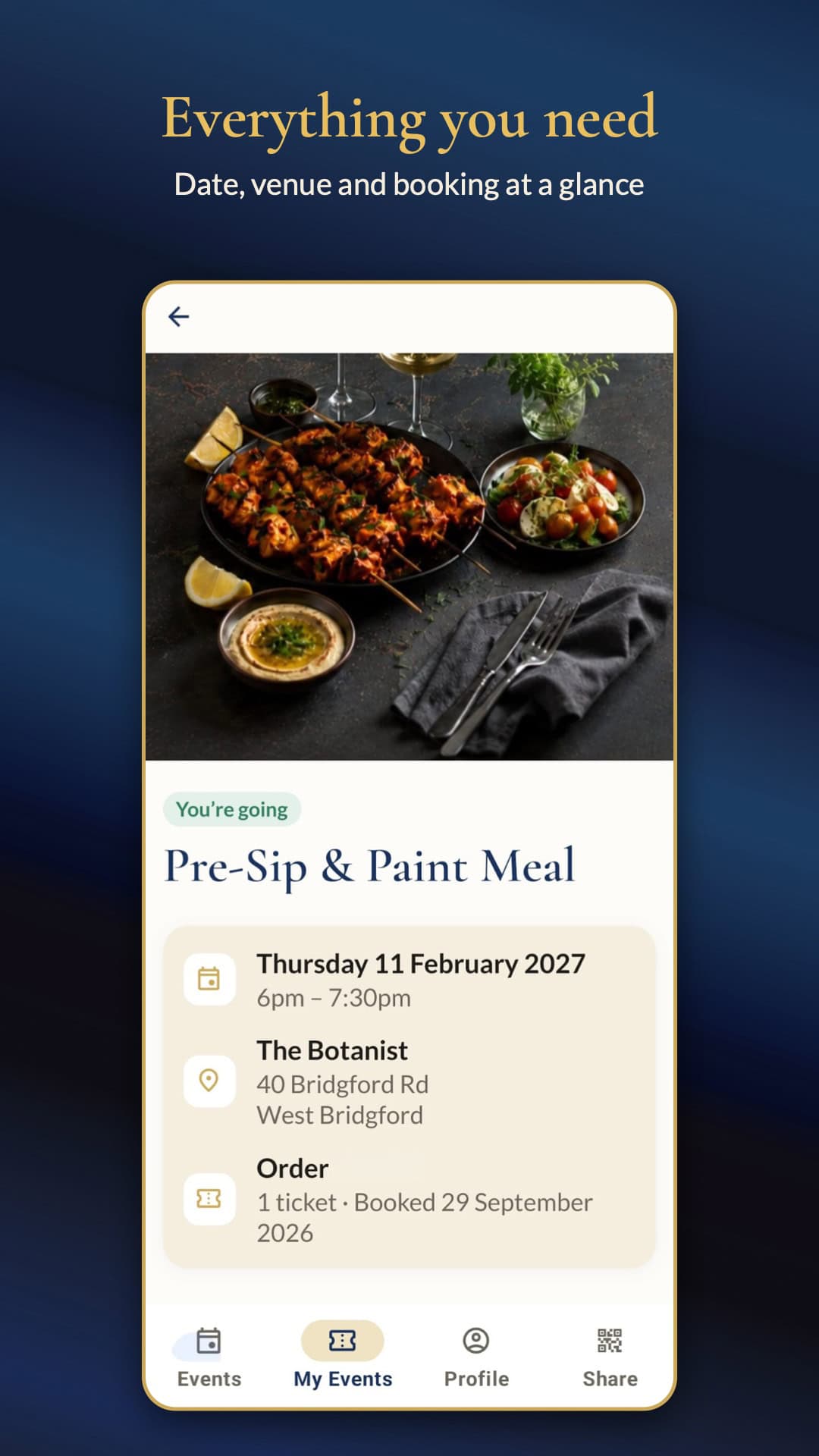
See every upcoming Affinity event at a glance. Tap into any event to read what’s planned, where it is, when it starts and who’s hosting. Whether you fancy a laid-back games night or a dinner somewhere new, you’ll find it in seconds.
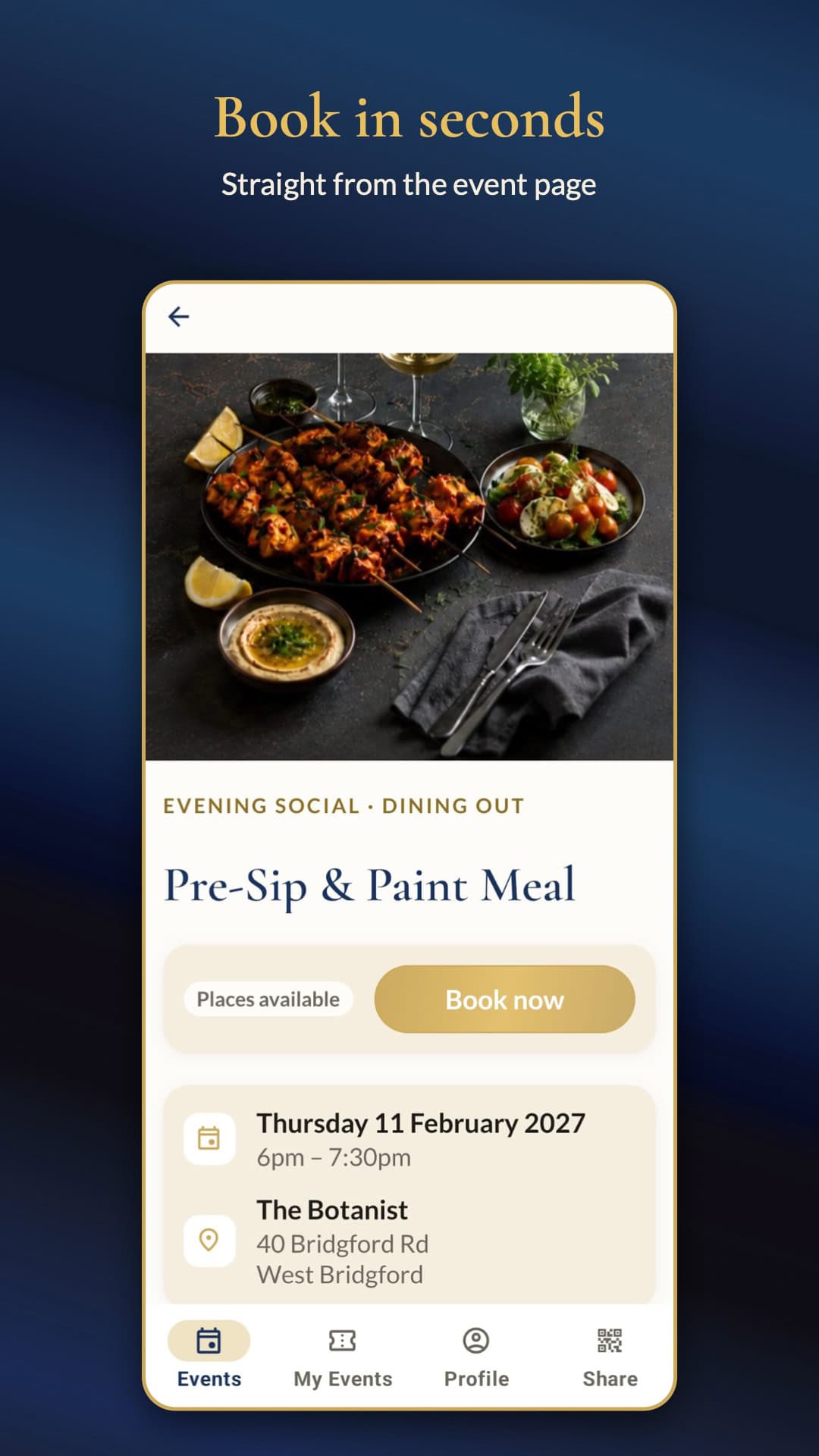
Book in a Couple of Taps
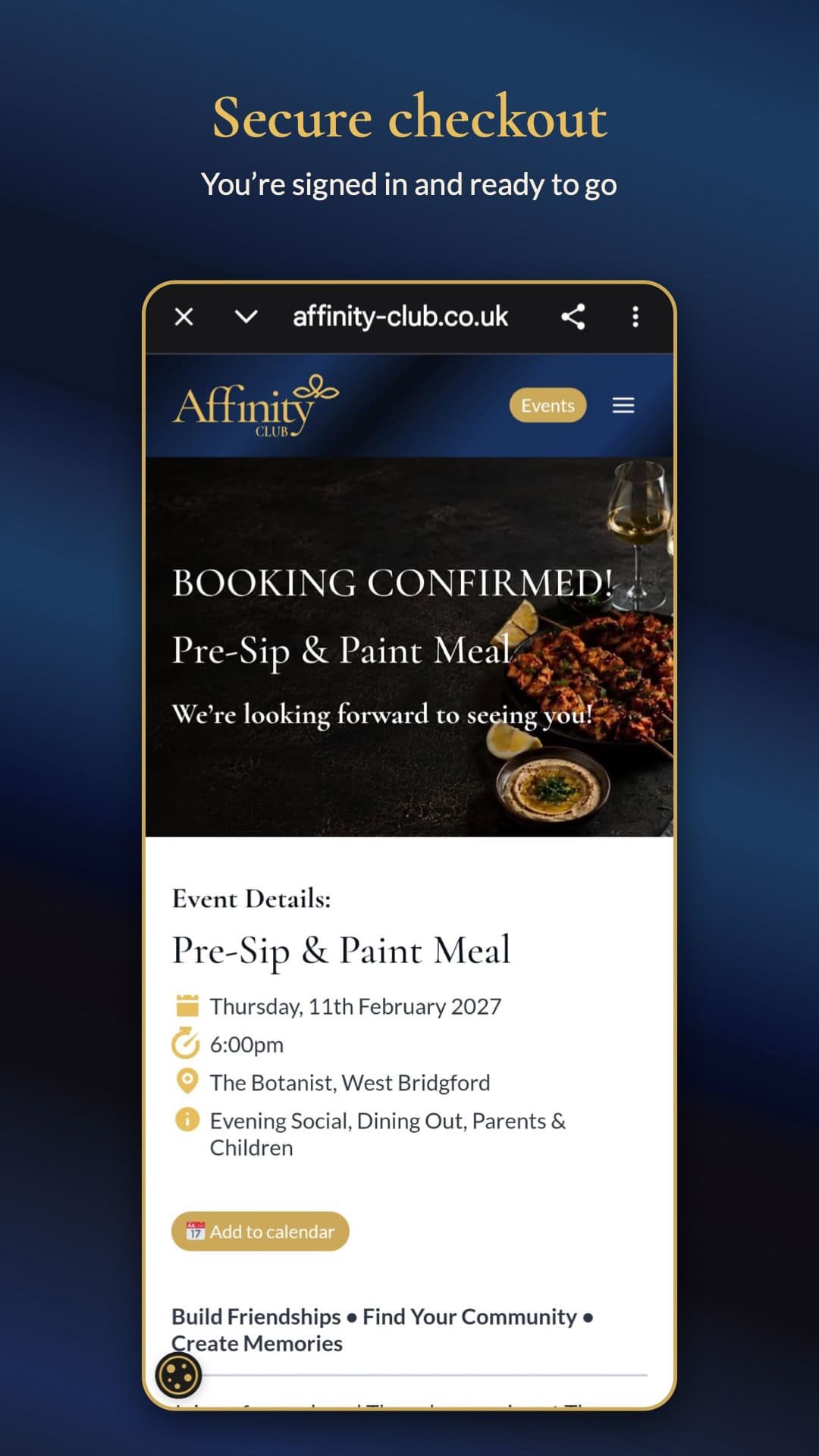
Spotted something you like? Book your place straight from the app. You’ll get an instant confirmation, and if an event is full, you can join the waiting list so you’re first in line if a space opens up.
Add Events to Your Calendar
Once you’ve booked, add the event to your phone’s calendar with one tap. No more double-booking your Friday nights.
Keep Track With My Events
Your My Events tab shows everything you’ve got coming up, plus a handy record of the past events you’ve been to. Tap any booking to see the details again whenever you need them.
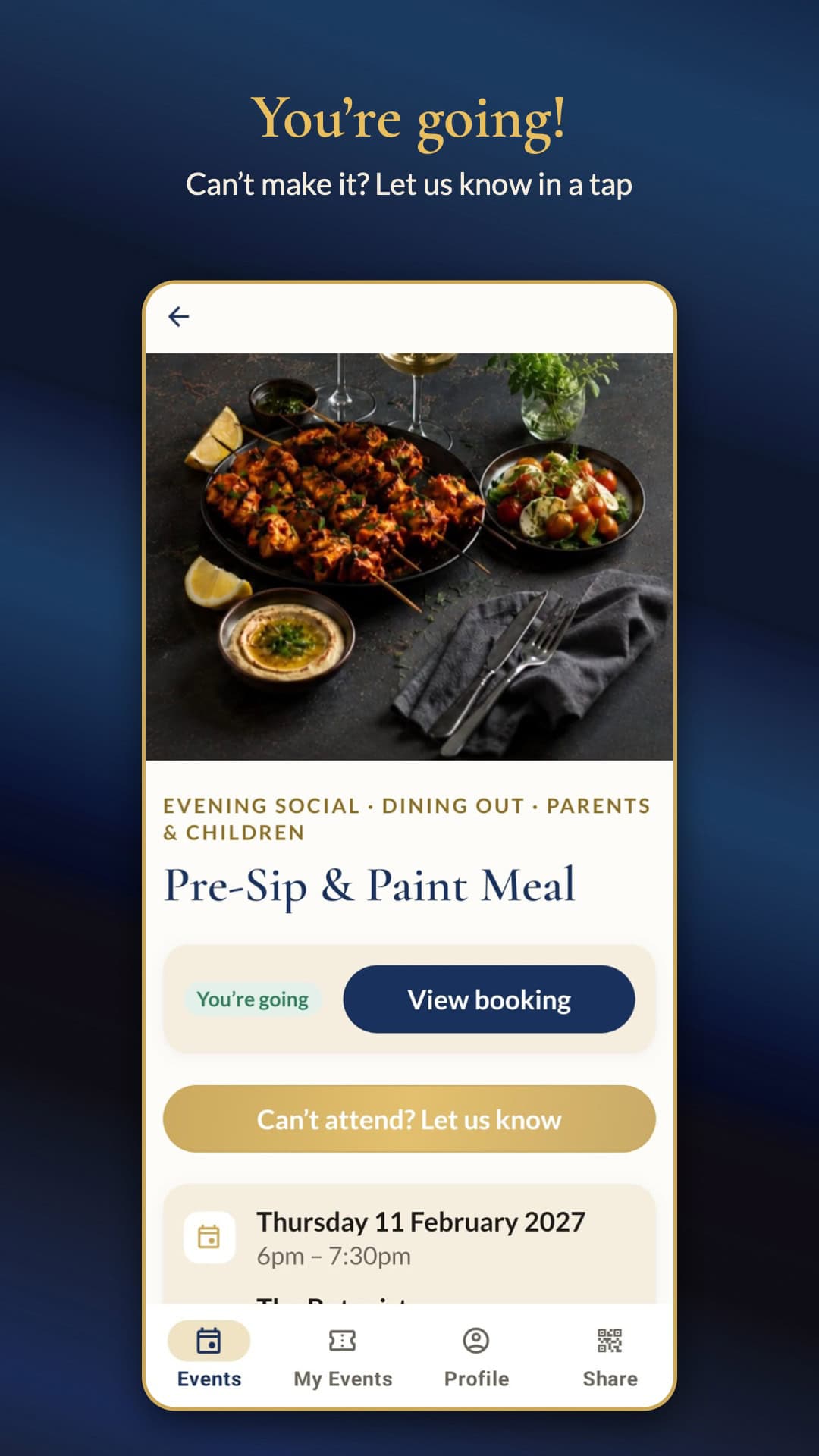
Can’t Make It? Let Us Know
Plans change, and that’s fine. If you can no longer attend, you can cancel your place in the app. It frees up the spot for another member and helps our hosts plan the evening properly.
Never Miss a Thing
Switch on notifications and we’ll let you know when new events are announced, so you can grab a place before they’re gone. If there’s an update to an event you’ve booked, such as a change of time or venue, we’ll send you a notification through the app, so you never miss out. We’ll also send a friendly reminder the day before any event you’ve booked.
Invite a Friend
Know someone who’d love Affinity? Head to the Share tab and send them a link, or let them scan your QR code on the spot. It’s the easiest way to bring a friend along to their first event.
Getting Started on Android
Getting set up takes less than a minute:
- Download the Affinity Club app from Google Play.
- Sign in with the same email and password you use on the Affinity Club website.
- Turn on notifications so you hear about new events first.
That’s it. Your bookings and membership details will be waiting for you.
Not a member yet? You can register on our website, then sign in to the app straight away.
Coming Soon to iPhone
The iPhone version is in its final stages and will be available in the App Store within the next few weeks. Until then, you can keep booking events as normal through the Affinity Club website, and we’ll announce the iPhone launch here and on our social channels as soon as it’s live.
Built for Our Community
This app has been created with our members in mind, and we’d love to hear what you think. If you have ideas for features you’d like to see, or spot anything that isn’t quite right, use the Contact the club option in the app and let us know. This is just the start. We’ll be adding more features to the app in the future, and your feedback will help shape what comes next.
We can’t wait to see you at the next event, booked through the app.
Android users, download the Affinity Club app today and start planning your next night out.